Every word exactly as it was said
Most notetakers get close. Parachute makes sure nothing gets lost.
Your important calls and in-person meetings perfectly captured and saved to your PMS
Parachute keeps the full transcript behind the notes, names every speaker from the participant list, and lets you label them however the file needs to read.
Most notetakers get close. Parachute makes sure nothing gets lost.
Parachute identifies each speaker by name instead of Speaker 1 and Speaker 2. Changing names takes one click.
Your meetings are yours - easy to share if you choose.
Zoom, Meet, Teams, Huddles, in-person, on-the-go: capture conversations wherever you have them.
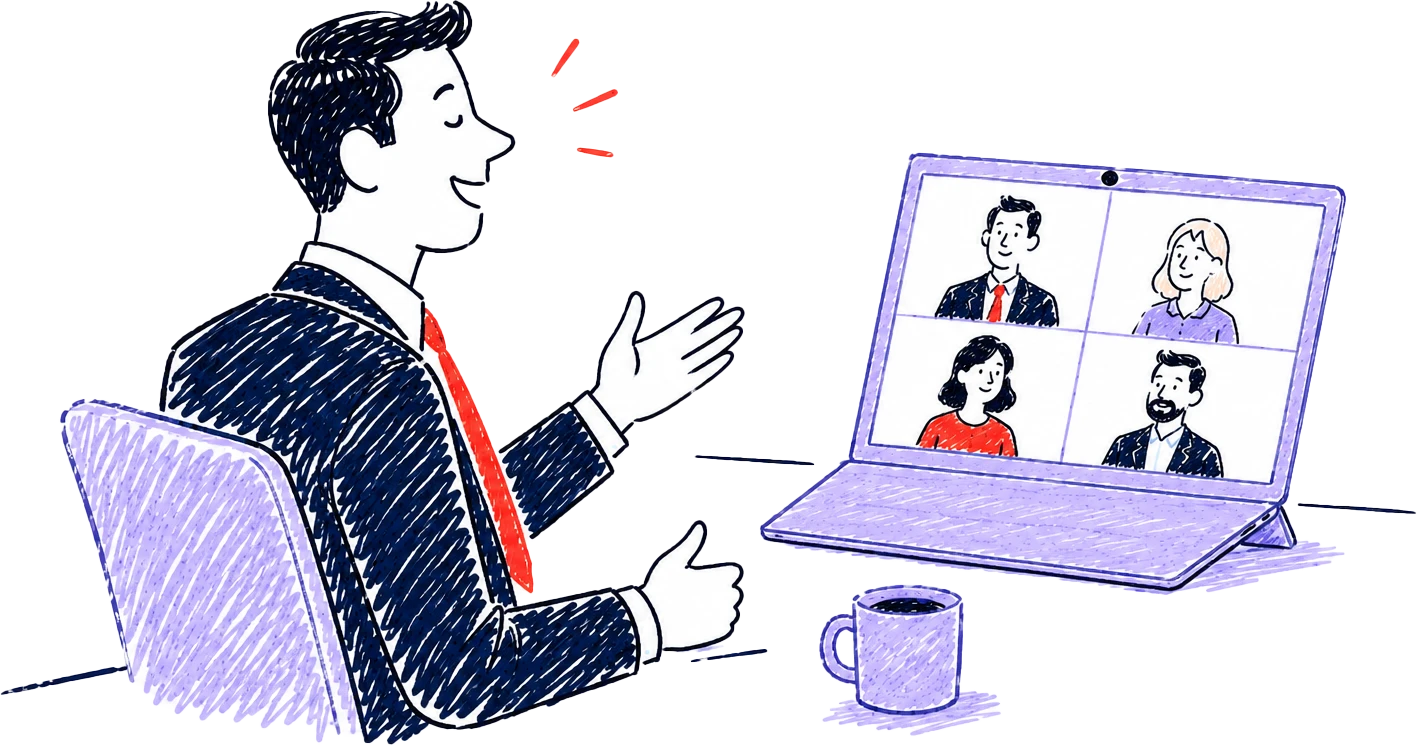
Some conversations call for a bot everyone can see. Others happen across a table. Parachute handles both.
Send the bot
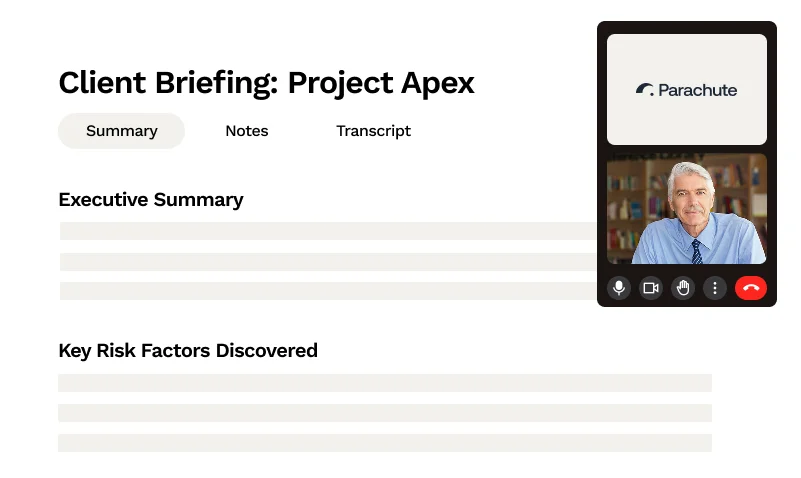
Drop in a Zoom, Microsoft Teams, or Google Meet URL. The bot joins under your firm's name with your logo on its tile, so your client sees you in the call rather than a vendor they have never heard of.
Record on your desktop
Parachute doesn't join your meeting. Instead, it transcribes in the background while you stay present.
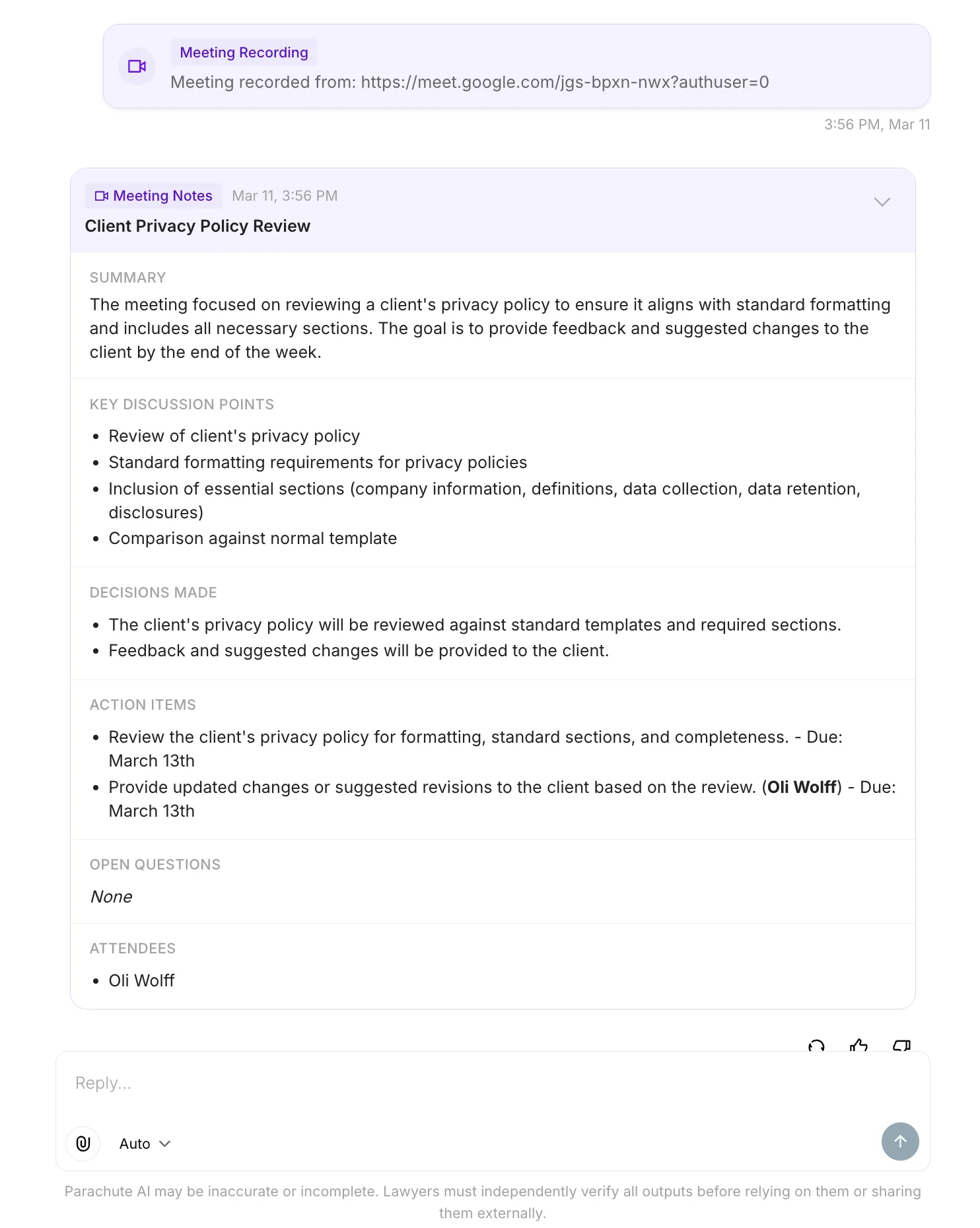
Not a wall of transcript. When the meeting ends, Parachute processes what was said and produces notes in the shape you would have written yourself, if you had the time.
Most notetakers hand you a document and stop. Parachute drops the meeting into a thread that sits beside your matters, your documents, and your knowledge base, so the notes are the start of the work instead of the end of it.
Connect your Clio Manage practice data with Parachute.
Sync matters, contacts, and documents from Smokeball.
Access and work with documents stored in NetDocuments.
Watch the transcript build in real time while the meeting is still running, so you can check a name or a figure without interrupting.
The desktop app runs on both, and installs from inside Parachute. There is nothing to download from this website.
Zoom, Microsoft Teams, Google Meet, and Slack huddles, plus meetings around a table. An impromptu call gets the same notes as a scheduled one.
The Parachute overlay is hidden from standard screen sharing, so your own notes and questions stay off the client's screen while you present.
A keyboard shortcut opens Parachute over whatever you are in. Ask a question, get an answer, and stay in the conversation.
Every meeting stays searchable beside the matter it belongs to, so a question about what you agreed months ago has an answer.
Paste a link from Zoom (including regional subdomains like us02web.zoom.us), Microsoft Teams, or Google Meet and the notetaker joins as a participant. The Parachute desktop app records locally instead, and detects Zoom, Microsoft Teams, Google Meet, and Slack calls that are already running. The desktop app also records in-person meetings through your microphone.
That is up to you, and Parachute makes it easy to be transparent. Before recording starts, Parachute asks you to confirm that everyone in the conversation has been informed and has agreed. If you want the recording to be unmistakable, send the bot and it sits in the participant list under your firm's name where nobody can miss it. In many jurisdictions recording a conversation without consent is unlawful, so for online meetings each remote attendee needs to be told verbally or in writing.
Yes. The Parachute desktop app records in-person meetings through your microphone, so a conference room conversation or a coffee with a client produces the same structured notes as a video call. You still confirm that everyone present has consented before recording starts.
Each meeting produces an auto-generated title, a two to three sentence summary, key discussion points, decisions made, action items with assignee and deadline where mentioned, open questions, and a list of attendees. The notes arrive as a dedicated Meeting thread in Parachute that you can search, reference, and work in.
Yes. If the Parachute matter is linked to its equivalent in your practice management system, you can push the meeting out to it from the same thread. Depending on the system that means a note or memo on the matter, a billable time entry, the notes saved as a PDF, and action items created as tasks. Parachute always shows you a summary of what it is about to create and waits for you to approve it, so nothing is written to your practice management system without you saying yes.
Yes. Org admins set a custom bot name and bot image under Settings, Workspace, Branding. Generate the image from your organisation's logo in one click, or upload your own. From then on the bot joins your meetings under your firm's name with your image on its video tile, on Zoom, Microsoft Teams, and Google Meet. Leave it unset and the bot uses the Parachute default. Note that the small participant-list avatar is fixed by the meeting platform and cannot be changed, so your branding shows on the bot's tile and in its name.
Recording costs 10 credits per hour, prorated by the actual length of the meeting, so a 30 minute meeting costs 5 credits. Credits come from the monthly allowance included in your plan.
No. Your recordings, transcripts, and notes are never used to train AI models. AI interactions are processed securely and are not shared across organisations.
Sign up, record your next client call, and read the notes before you decide.