Forward thinking
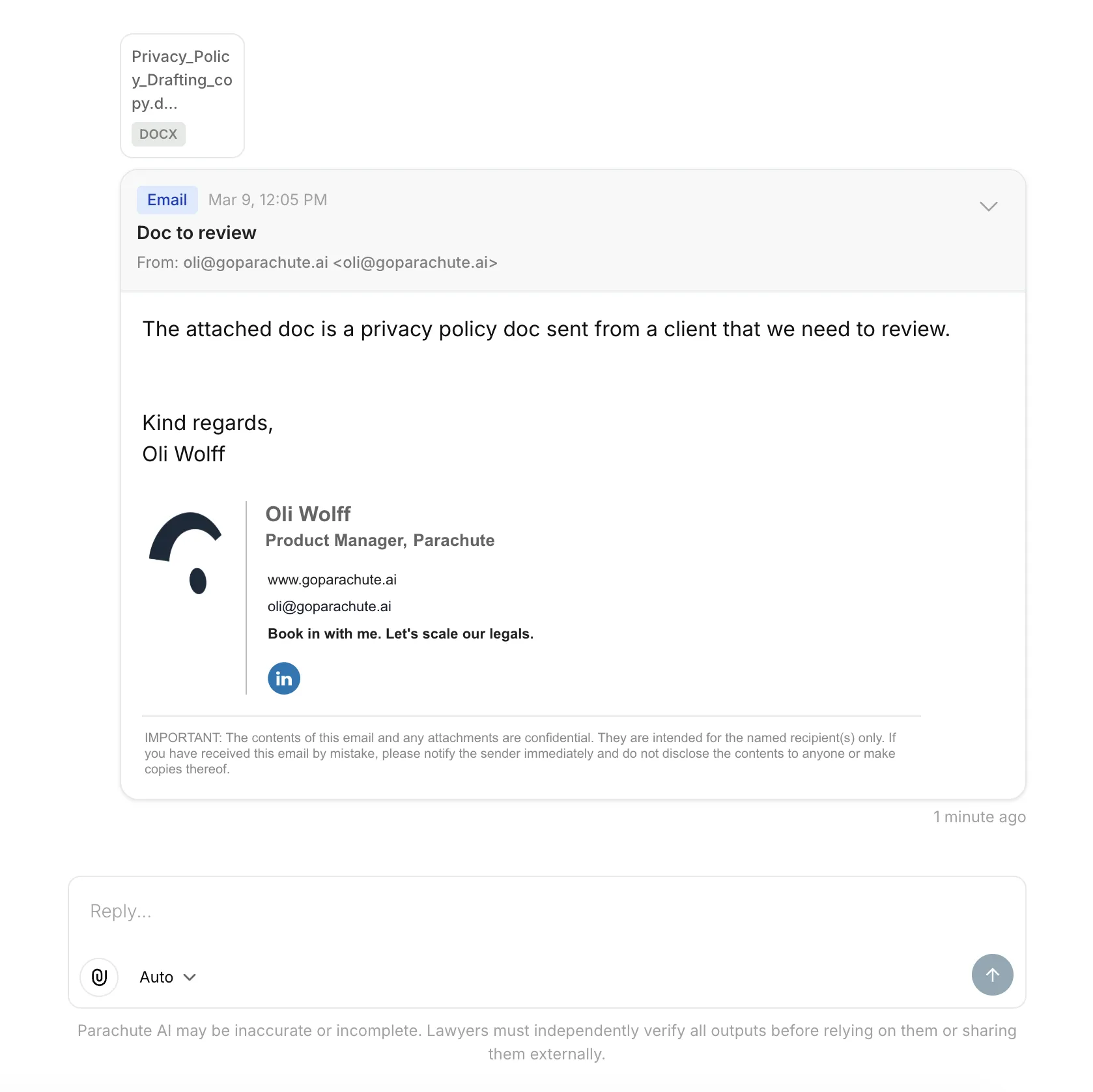
Forward emails to Parachute and a new thread is created automatically. No copying, no pasting, no downloading.
Email to thread
No more copying and pasting email content into Parachute. No more downloading attachments to upload them again.
Forward any email to your unique Parachute inbox address and a new thread is created automatically, with the email subject, body, and attachments all carried across. From there, the full AI toolset is available: summarise the email, draft a reply, review an attached contract, whatever the matter needs.
Each user gets a unique inbox address tied to your organisation. Only emails from addresses associated with your organisation members are accepted. Stray forwards don’t create threads.
Getting started
Go to Settings → Account → Email to Query, enable the feature, and copy your unique inbox address. Forward any email to that address, or draft a new one, and Parachute sends you a confirmation with a link to the new thread.
A couple of things worth knowing:
- Forwarding only creates new threads. You can’t forward into an existing thread.
- If you add a note above the forwarded content before sending, Parachute will use it to guide the analysis.
Read the full setup guide in our help docs.
This is the first step in a broader email integration. More to come.